Download Copy of SM A055F_U9 Knox File + F64 Ultra Lite Flash Tool

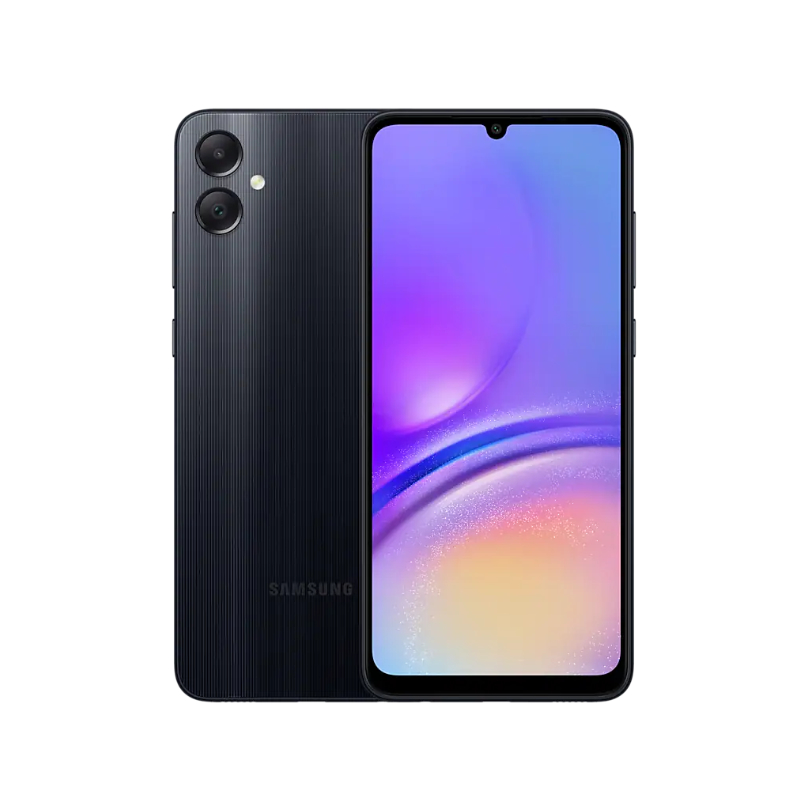
Copy of SM A055F_U9 Knox File With F64 Ultra Lite Flash Tool (Full Guide)
The Samsung Galaxy A055F (model SM-A055F, U9) often faces Knox security lock issues, especially after flashing or FRP operations. When Knox is triggered, users experience errors such as:
“Security policy blocked this action”
“Knox Guard locked device”
“MDM / Knox Remaining Activation”
To fix this problem permanently, you need the Copy of SM A055F_U9 Knox File, which works perfectly with F64 Ultra Lite Flash Tool.
🛠️ File Details
| Specification | Information |
|---|---|
| Model | Samsung Galaxy A055f |
| Version | SM A055F U9 |
| Type | Knox Bypass/Remove File |
| Flash Tool | F64 Ultra Lite Flash Tool |
| Status | Permanent Knox Removal |
| Security | Compatible with Latest Patch |
📌 Required Tools
To complete the process, download:
SM A055F_U9 Knox File
F64 Ultra Lite Flash Tool
Samsung USB Drivers
All tools are lightweight and safe for flashing.
⚙️ How to Use Knox File With F64 Ultra Lite Tool
Follow the steps below:
Press Vol+ + Vol−, then connect USB cable.
Flash the Knox File
Click Start Flashing and wait until completion.
Reboot Device
Your phone will restart without Knox or MDM restrictions.
🧾 Important Notes
⚠️ Knox removal is permanent and cannot be undone.
✔️ Works on all security patches for SM-A055F U9.
⚠️ Do not reset without checking activation lock.
🎉 Benefits of Using This Knox File
No more MDM & enterprise lock
Device accepts SIM card and network
Google Play Store works normally
No forced factory reset block