

Table of Contents
ToggleDownload HMD X20 & X2 V470, V47C, V670 MDM File – Permanent MDM Remove Solution
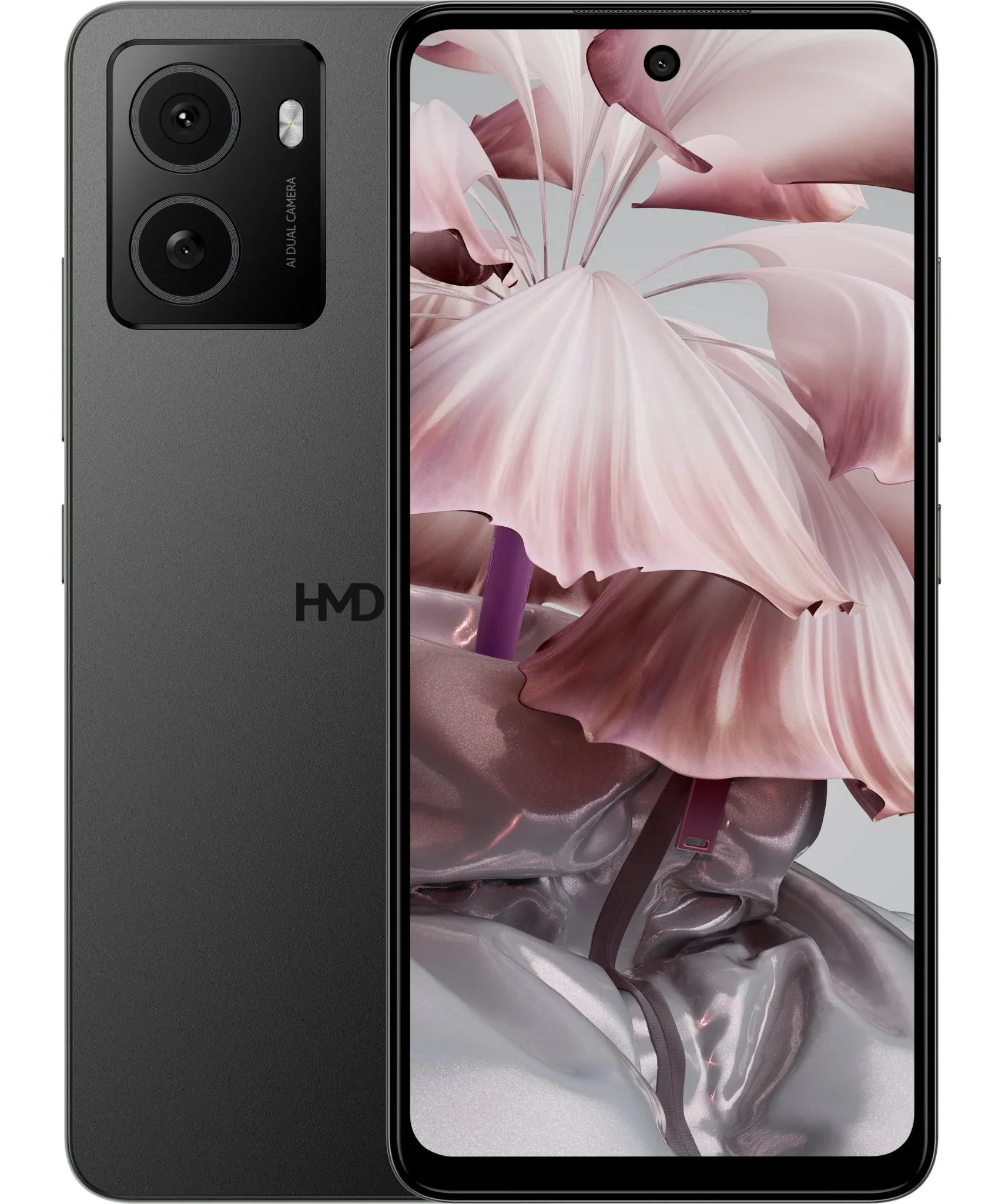
If you are dealing with MDM-locked HMD devices, especially HMD X20 and HMD X2 running versions V470, V47C, or V670, this guide provides the MDM file you need to perform a permanent MDM remove.
The MDM (Mobile Device Management) lock prevents users from accessing key functions, making the device unusable unless the MDM profile is removed. For phone technicians, repair shops, and firmware specialists, using the correct MDM Remove File ensures a clean and permanent unlocking process.
🔧 What Is an MDM File?
The MDM file for HMD devices is a modified firmware package containing essential partitions that help disable or permanently remove the MDM configuration.
It works by rewriting the restricted areas of the firmware with unlocked versions.
This solution is used by:
Phone repair technicians
Service centers
Firmware and flashing experts
Users with authorized permission
📌 Supported Models
The following devices and firmware versions are fully supported:
✔️ HMD X20
V470
V47C
V670
✔️ HMD X2
V470
V47C
V670
If your device matches any of these versions, the MDM file will work seamlessly.
🚀 Features of the HMD X20 / X2 MDM Remove File
🔓 Permanent MDM removal (not temporary)
📲 No relock after reboot
🛠️ Safe and stable flashing
♻️ No user data wipe required (depends on method)
🔐 Unlocks all MDM restrictions
💯 Compatible with PANDORA Flash Tool.
🛠️ Requirements Before Flashing
To use the MDM remove file, you need:
Windows PC
SPD USB Drivers Installed
PANDORA Flash Tool
Original USB Cable
Backup of personal data (recommended)
The correct HMD X20/X2 MDM File (V470–V670)
📥 How to Use the HMD MDM Remove File (Step-by-Step)
Download the correct MDM file for your version (V470, V47C, or V670).
1: READ ALL FIXNVS AND RUNTIME
2:RESTORE pgpt
3:RESTORE HMD v470 fix TWICE
4:RESTORE SEC FILES in step 1
5:FORMART RPMB
6:WIPE MISCDATA PERSIST METADATA CACHE BLACKBOX CALNV AND USERDATA
POWER ON DEVICE IT WILL REBOOT TO REDSTATE
PRESS POWER BUTTON TO CONTINUE
IT WILL ENTER FASTBOOT
7:NOW DISCONECT AND RECONNECT THE BATTERY
VIRTUAL BOOTLOADER UNLOCK WULL BE DISPLAYED ONTHE TOP ‘” DEVICE IS CORRUPT'”
PRESS POWER KEY TWICE TO CONTINUE
[NOT ALL DEVICE WILL DISPLAY THIS]
SETUP FULLY AND DISALLOW ALL POSSIBLE PERMISIONS UNDER GOOGLE PLAY SERVICESNOW ENJOY THE NEW HMD PHONE
FOLLOW EVERY STEP
IT IS DONE!!
BEST REGARDS TO EDUTECH
EDUTECH LATEST SOLUTIONS MADE EASIER
live chat for password
⚠️ Disclaimer
MDM removal should be performed only on devices you legally own or have authorization to repair. Unauthorized MDM bypassing may violate terms of use or organizational policies.
Kenya Court News Today – Live High Court & DPP Updates click here 👉 /kenya-court-news-today